Does it really run fully offline?
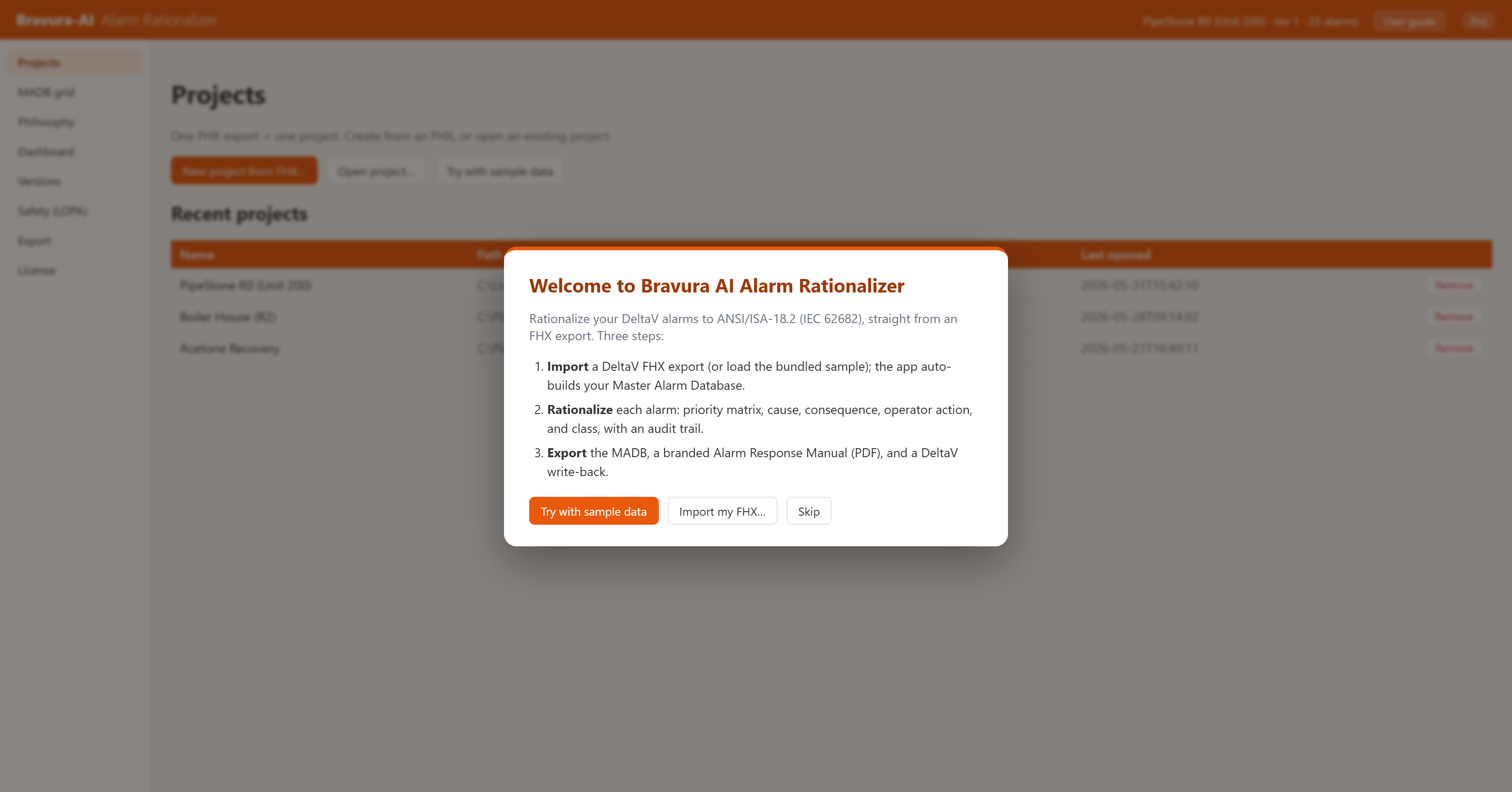
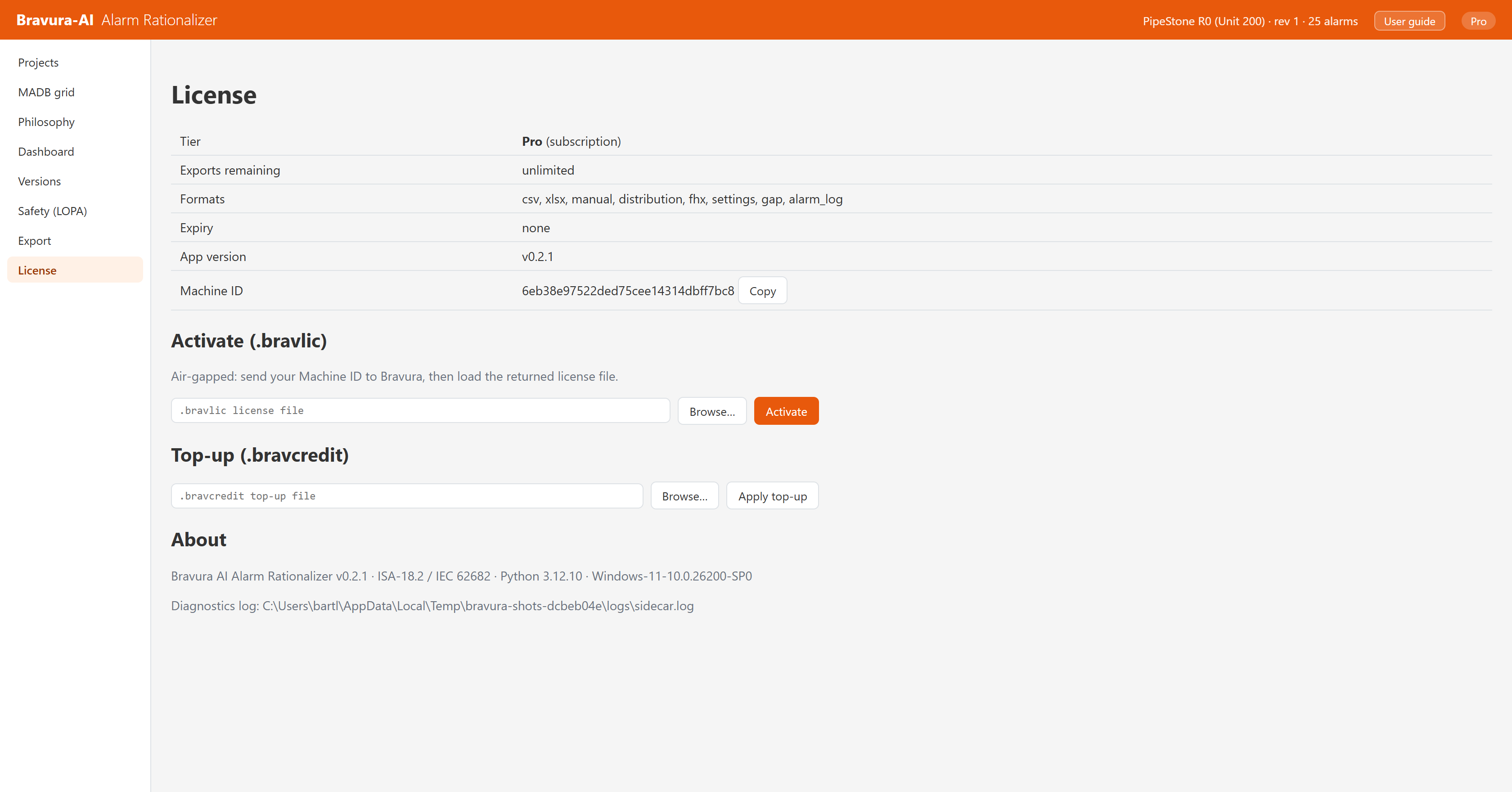
Yes. Bravura is a single-user Windows desktop app. Install once on your workstation, copy the license file, work. There is no cloud account, no telemetry, and no phone-home check.
What happens to my alarm data?
It stays on your machine. Bravura reads the FHX you point it at, stores the project locally, and never uploads alarm data anywhere.
Which DeltaV versions / FHX exports are supported?
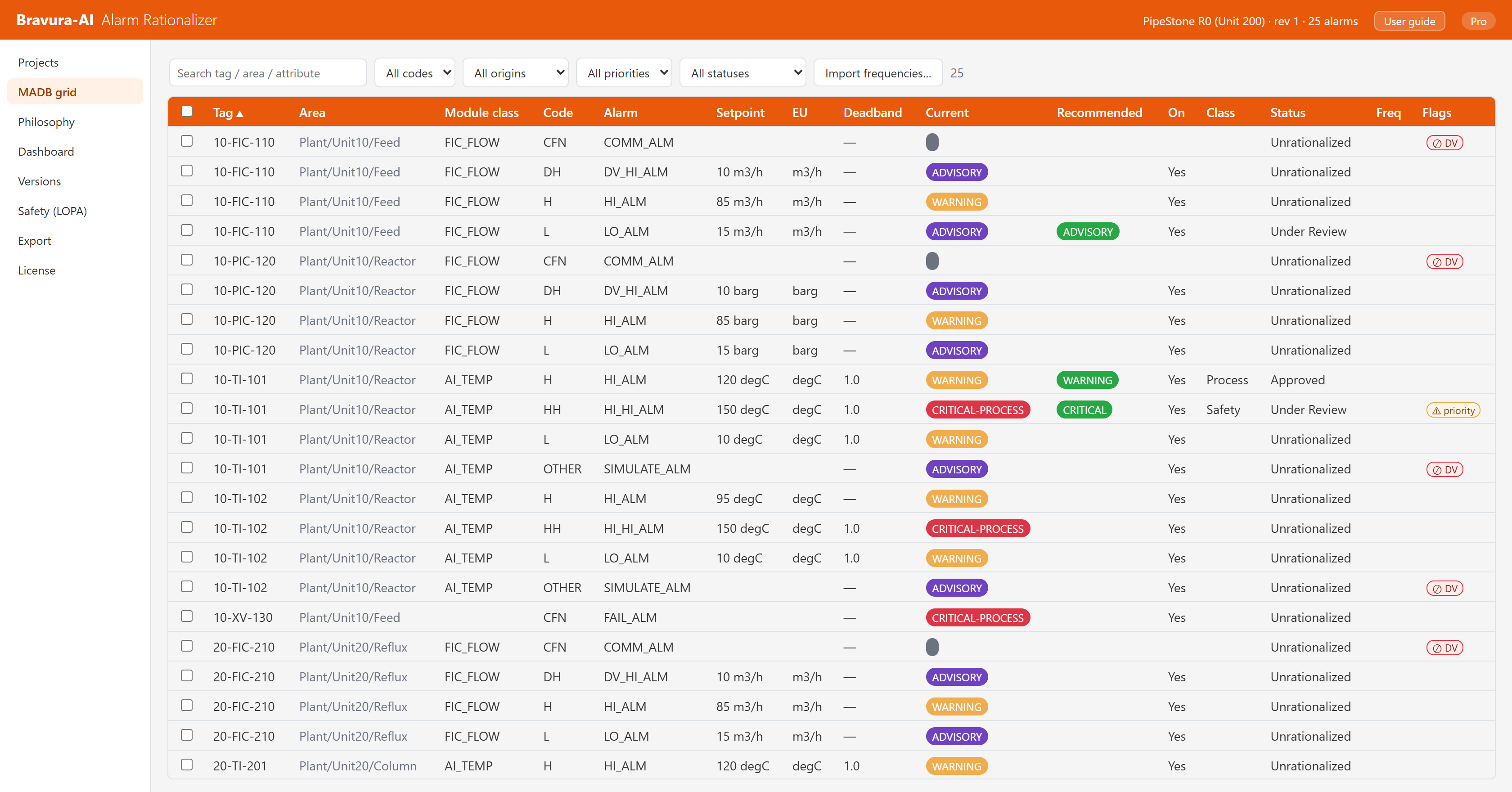
Modern DeltaV exports (v13 and later). The importer reads engineering-unit scale, setpoints, deadband, and module-class structure, so the recovered MADB matches what is actually configured on the system.
How is this different from a runtime alarm monitor?
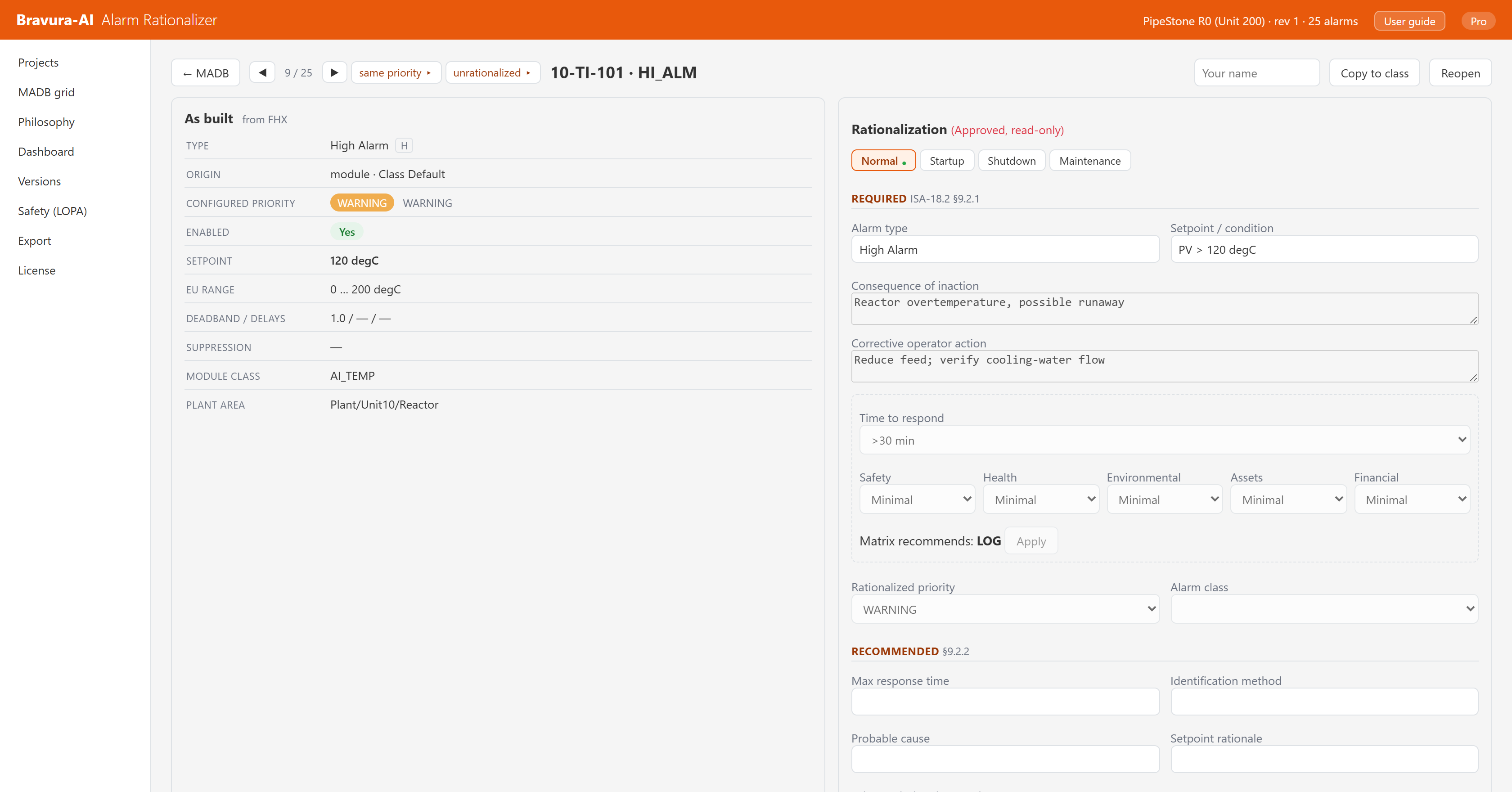
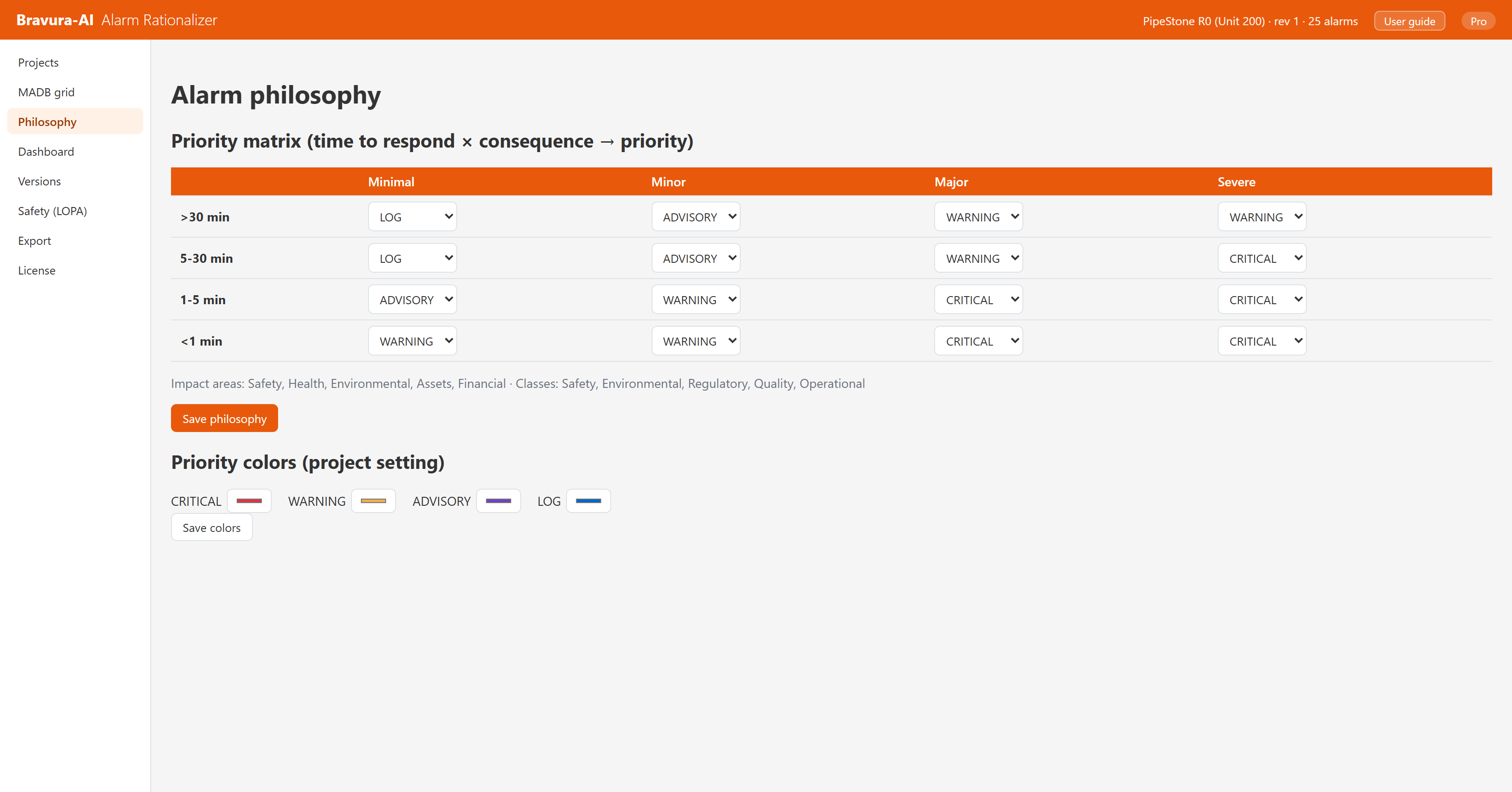
A runtime monitor (DeltaV Analyze, PAS, ProcessVue) tells you which alarms are misbehaving right now. Bravura is design-time: it is where you decide what each alarm should be, document it to ISA-18.2, get it approved, and write it back to DeltaV. The two are complementary.
How large an FHX export can it handle?
Real plants. Bravura has been validated on multi-gigabyte FHX exports of tens of thousands of alarms (1.25 GB, ~32,000 alarms tested), with a cancellable import and a live progress overlay so the UI stays responsive while it loads. If something is wrong with the source file, you get a data-quality warning instead of a silent skip.
Can I refund?
Yes. If Bravura does not work for your DeltaV export, contact support@bravura-ai.com within 30 days for a refund.
Do I need internet to install or use it?
No. The installer is a standalone Windows setup, and the license file activates on the workstation. The only time you need internet is to receive your license file by email (which you can transfer offline to the air-gapped machine).